



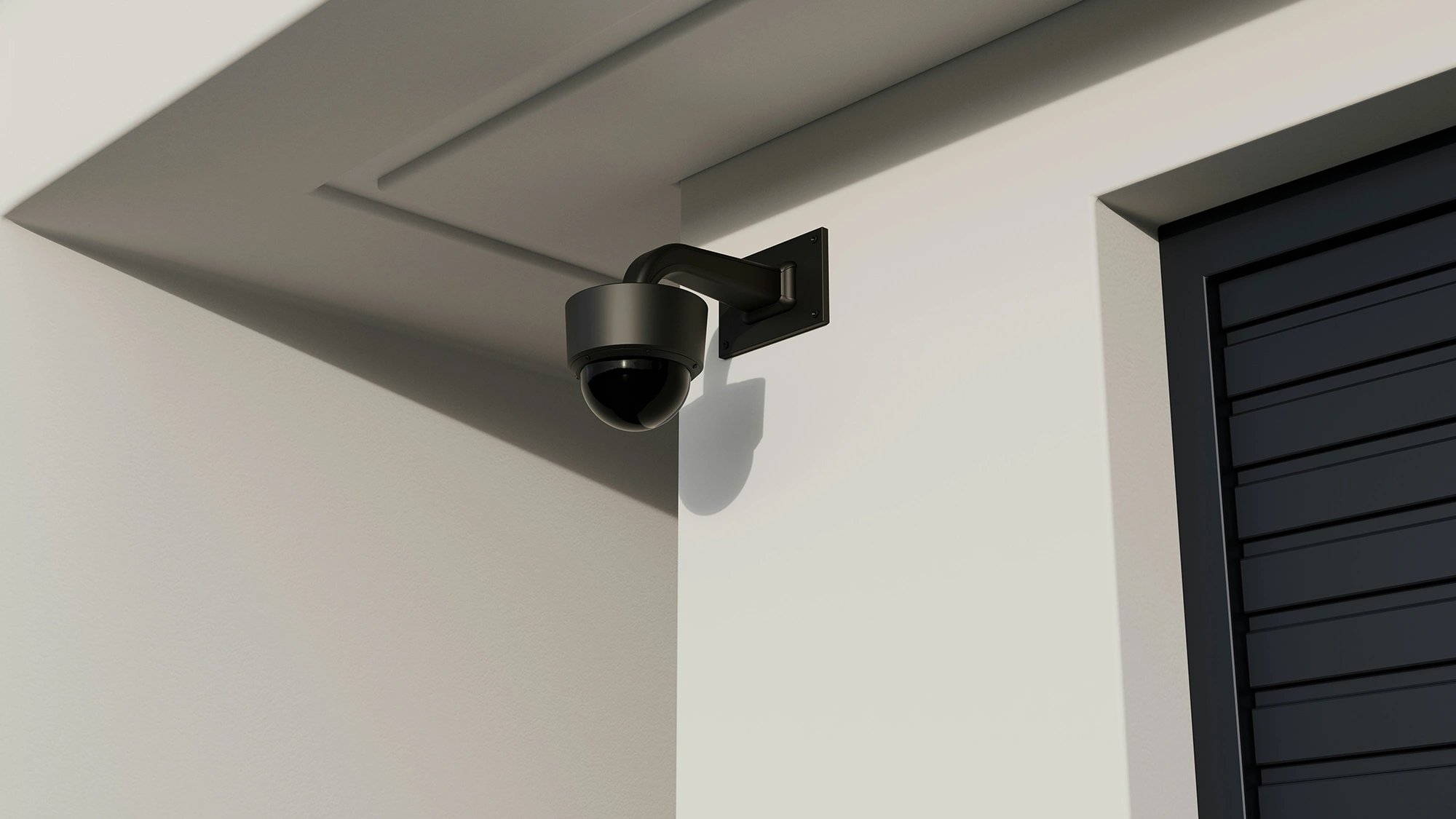
Cloud-based security surveillance management systems, or cloud-based Video Surveillance as a Service (VSaaS), are becoming increasingly popular among organisations looking to upgrade traditional video management system (VMS) solutions. Simply put, VSaaS is a video security system that stores footage primarily in the cloud rather than relying on local servers.
But what is truly driving the transition from traditional surveillance management systems (traditional VMS) to cloud-based platforms? Is it the promise of more robust security or operational agility? We’ll explore the answers in this article.
Key Takeaways:
|
THE DIFFERENCES BETWEEN TRADITIONAL VMS AND VSAAS
|
Feature |
Traditional VMS |
VSaaS |
|
Storage location |
Local DVR/NVR and on‑site servers |
Cloud data centres |
|
Camera type |
CCTV cameras to DVR/NVR |
IP cameras over the internet |
|
Infrastructure |
Requires on‑premise hardware |
Uses cloud infrastructure |
|
Access to video |
Limited to local network/locations |
Remote access via web or mobile |
|
Control |
Direct control of local hardware and storage |
Managed as a cloud service |
|
Scalability |
Requires new hardware, wiring, or on-site infrastructure per site |
Integrated simply via network configuration |
|
Maintenance (Software updates) |
Manual, IT-managed on-site |
The vendor can manage it remotely |
|
Upfront vs. ongoing cost |
High upfront investment in servers and hardware, but lower recurring costs |
Low initial setup costs, but subscription fees can scale depending on usage |
The differences between traditional VMS and VSaaS are mainly in how video footage is stored and accessed. Traditional VMS typically relies on on-site infrastructure, with CCTV cameras connected to DVR or NVR equipment and footage stored locally on physical servers. This approach provides direct control over hardware but requires substantial on‑premise equipment and often limits access to specific networks or physical locations.
VSaaS, on the other hand, uses network-connected IP cameras to send encrypted video over the internet to secure cloud data centres for storage and centralised management. Authorised users can then access live and recorded footage anywhere through web or mobile applications, without relying on local servers or recording hardware.
BENEFITS OF A CLOUD-BASED VIDEO SURVEILLANCE AS A SERVICE COMPARED TO TRADITIONAL VMS
As organisations look to modernise their security infrastructure, VSaaS provides a broad range of operational and security benefits, including:
1. Scalability and Cost Efficiency
VSaaS supports scalability by eliminating the need for complex on-site infrastructure. Unlike traditional VMS, additional security cameras or locations can be integrated through simple network configuration rather than construction work or hardware expansion.
This flexibility also contributes to cost efficiency. Instead of requiring significant upfront spending on servers and storage equipment, VsaaS typically operates under a subscription model, with updates and software management handled remotely. This would provide a more predictable expense structure without the burden of heavy investment in physical infrastructure.
2. Simplified Maintenance and Security
With VSaaS, software updates, bug fixes, and security patches are automatically handled by the vendor via the cloud. This means your system is always running the latest and most secure version without requiring manual intervention from your team. Traditional VMS, on the other hand, relies on your IT team to manage updates and on-site repairs manually. For businesses without dedicated technical resources, this can become a significant operational burden.
3. Seamless Control Across Multiple Locations
VSaaS enables a connected surveillance ecosystem through IoT connectivity that facilitates easy remote monitoring and synchronisation within the same network. This technology reduces the need for manual monitoring, which saves more time and minimises the risk of human error. As a result, security teams can move away from continuous on-site monitoring and instead view live feeds and review incidents seamlessly from anywhere, at any time.
HOW VSAAS STRENGTHENS SECURITY OPERATIONS FOR YOUR BUSINESS
Putting VSaaS into action can make a significant difference to how smoothly your security operations run. Here’s how VSaaS can help make your day-to-day security operations more seamless and easier to manage.
1. Centralised Monitoring and Review
Imagine managing five different business locations. With an on-premise system, you would need to access each IP address separately or even visit the site just to view recordings. A cloud-based system changes that by bringing all video streams into a central dashboard, so you can monitor everything on one screen from anywhere.
Smart Surveillance solutions offered by Canon are built exactly for this. Security teams can monitor multiple cameras at once with simple navigation and IoT connectivity. Powered by Milestone XProtect VMS, it brings sensors, analytics, and cameras together in one platform, supporting up to 14,000 cameras and 1,000 devices. This makes cross-location monitoring significantly more manageable and efficient.
2. Faster Deployment
When you need to close gaps in vulnerable areas or blind spots, installation speed becomes critical to keep every area protected without delays from lengthy deployments. VSaaS helps accelerate deployment through simpler installation (often in minutes with plug and play) and centralised configuration.
3. Continuous Recording During Internet Outages
The video recording feature that continues to work during internet outages helps your security system remain reliable, even in emergencies. Local storage on the camera keeps every event recorded and reduces the risk of losing critical evidence from network disruptions or sabotage attempts. Once the connection is restored, the system automatically synchronises the data to the cloud, so the integrity of your recordings is maintained in a centralised repository.
4. Reducing Manual Workload for Security Teams
Security teams often spend hours manually reviewing large volumes of video footage, making it difficult to respond quickly, identify patterns, or monitor multiple high-risk areas at once. Modern VSaaS addresses this with intelligent video analytics that streamline the processing and analysis of footage.
THINGS TO CONSIDER WHEN ADOPTING A VSAAS
Transitioning from traditional VMS to VSaaS requires a structured evaluation to ensure the new platform aligns with your operational and security needs. Here are key factors to review before adopting a VsaaS for your business:
Bandwidth and Internet Requirements
One drawback of cloud-based security surveillance management systems is their reliance on stable, sufficient internet bandwidth to transmit and store video footage in the cloud. When connectivity is limited, organisations may experience delays, recording interruptions, or reduced video quality. Organisations should therefore assess network capacity in advance and upgrade bandwidth or infrastructure where necessary before deployment.
Ongoing Subscription Costs
Cloud-based surveillance systems often use a subscription model, which can also become a drawback as recurring fees accumulate in the long run. These costs are shaped by storage needs, monitoring services, and included features. As the system scales, businesses should review current fees and future pricing options to understand how expenses may grow over time. This helps organisations plan budgets more effectively and evaluate the overall return on investment (ROI).
Selecting the Right VSaaS Vendor
Choosing the right VSaaS vendor means confirming that the provider upholds strong data security standards and offers responsive technical support. The vendor should also deliver scalable solutions that can adapt to the organisation’s evolving needs and support long-term system sustainability.
But before selecting a vendor, it’s helpful to run through a short evaluation checklist:
- Is your network ready to support a cloud-based surveillance system?
- Does your current surveillance setup cover all critical areas and blind spots?
- Have you assessed long-term subscription costs and ROI?
- Does the provider use robust cybersecurity measures such as strong encryption, secure authentication, and trusted cloud infrastructure?
- Does the solution support the integrations you need, such as access control, and are there additional charges for them?
- Is the vendor established, well-reviewed, and expected to remain a reliable partner long term?
If you have already reviewed these points and confirmed that VSaaS is the right fit, Canon's Smart Tech brings together surveillance market leaders, including Axis and Milestone to deliver integrated, future-ready solutions that help businesses transition to a modern, robust cloud-based environment.
Get in touch with our team today to discuss your requirements and explore how VSaaS can support your business.
FREQUENTLY ASKED QUESTIONS
Is a cloud-based security camera system more secure than on-premises?
Cloud-based systems can offer stronger protection against theft, physical damage, and local hardware failure because footage is stored in encrypted, redundant cloud data centres rather than on-site recorders.
Do I need to replace all my existing video surveillance systems to go cloud?
Not necessarily. Many organisations adopt VSaaS in phases by integrating cloud platforms with existing IP cameras or upgrading selected locations first. The transition approach depends on current infrastructure, system compatibility, and overall security objectives. Where there is uncertainty, our team can help assess whether your existing infrastructure can be adapted or if specific components need to be replaced.
How much bandwidth does cloud video streaming use?
Bandwidth usage depends on factors such as video resolution, frame rate, compression, and the number of cameras streaming simultaneously. Higher-quality footage requires more bandwidth, especially for continuous recording.
What is the typical footage retention period for VSaaS?
Footage retention periods vary depending on the service provider and subscription plan. Many cloud-based surveillance systems offer flexible storage options, typically ranging from a few days to several months or longer, depending on organisational requirements and available storage capacity.
Can VSaaS continue recording during an internet outage?
Yes, many VSaaS systems continue recording during internet outages by storing footage locally on the camera or device. Once the connection is restored, the recordings are automatically synced to the cloud.

Take The Steps Forward
Let's work together and uncover digital opportunities starting today.